




Electronic devices such as laptops, keyboards, and circuit boards accumulate dust, dirt, and grease over time. This can lead to problems: a laptop can overheat due to dust buildup in the ventilation system, keys can stick due to crumbs and dirt, and a circuit board (the electronic circuit inside) can malfunction due to corrosion or deposits. Regularly cleaning your laptop and keyboard—and the internal circuit board, if necessary—is therefore not only hygienic but also extends the lifespan of your equipment. This article explains how to safely clean your laptop, keyboard, and circuit board.
Cleaning the laptop
Properly cleaning a laptop starts with safety. Turn the laptop off completely and unplug the power adapter; remove the battery if possible. Never use excessive amounts of water when cleaning electronics. To remove dust from vents and the interior, it’s best to use a can of compressed air . Hold the laptop at an angle or upside down while giving short bursts of compressed air to force the dust out.
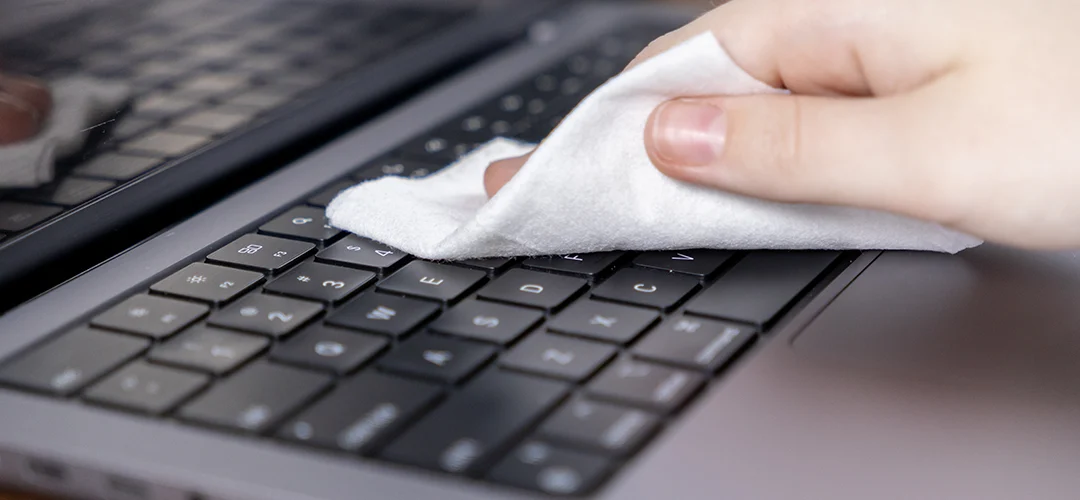
Clean the laptop’s casing and keyboard with a soft microfiber cloth. Stubborn stains or greasy residue on the keys and palm rest can be tackled with a slightly damp cloth. Preferably, use a small amount of isopropyl alcohol on the cloth – it evaporates quickly and leaves no residue. Avoid harsh cleaning agents on the screen; use only a slightly damp cloth (possibly with distilled water or a special screen cleaner ) on the laptop screen to prevent streaks and damage.
Cleaning the keyboard
Whether you’re cleaning the built-in laptop keyboard or a separate one, the approach is similar. First, disconnect the keyboard from the computer or make sure the laptop is turned off. Turn the keyboard over and gently shake or tap it to loosen crumbs and dust. Then, use a can of compressed air to blow between the keys to remove any remaining dust.
To remove dirt and grease from the keys themselves, use a soft cloth or cotton swab. Lightly dampen it with isopropyl alcohol. Carefully wipe the tops of the keys and the surrounding area. Isopropyl alcohol is very suitable for cleaning a keyboard because it effectively dissolves grease and dries quickly. Make sure the cloth is only slightly damp and that no drops get between the keys.
Are some keys still sticky, or is a key not working properly due to dried liquid? Use isopropyl alcohol and a cotton swab to gently remove the caked-on residue. Let everything dry completely before reconnecting the keyboard or turning on the laptop.
Cleaning the printed circuit board
Cleaning a printed circuit board (e.g., a motherboard or electronic circuit) requires a little more care, but isopropyl alcohol is also very useful here. Turn off the device and disconnect all power sources before starting. If the circuit board is removable, remove it for easier cleaning. First, remove loose dust with compressed air or a clean, soft brush. Minimize your hand contact with the electronics to avoid static electricity.
To clean adhered dirt, leaks, or corrosion on the printed circuit board, use isopropyl alcohol. Dip an antistatic brush or cotton swab in the isopropyl alcohol and gently rub the contaminated areas. This solvent effectively dissolves dirt, flux residue (from soldering), and grease without damaging the electronic components. Moreover, it evaporates quickly, preventing moisture damage.
For very stubborn dirt, you can briefly soak the circuit board in isopropanol and then gently scrub it clean. Use high-purity isopropanol (e.g., 99%) for best results. Allow the circuit board to dry completely after cleaning (isopropanol leaves no residue, but it’s important that all moisture has evaporated) before turning the device back on.
Regularly cleaning electronics such as laptops, keyboards, and circuit boards keeps your equipment in top condition and prevents malfunctions. By removing dust and dirt regularly, devices last longer and work better. In summary: always work safely (unplug the power!), use gentle cleaning agents on surfaces like the screen, and use isopropanol as an effective cleaning agent for thorough cleaning. This versatile product is suitable for all three applications and ensures a quick, thorough cleaning without damage. A clean laptop or circuit board works like new again. Use isopropanol for the best results when cleaning your electronics.